


 Home Automation
Smart Lighting Automation based on Sunrise/Sunset Guide
 James Peterson
 Jan 04, 2026
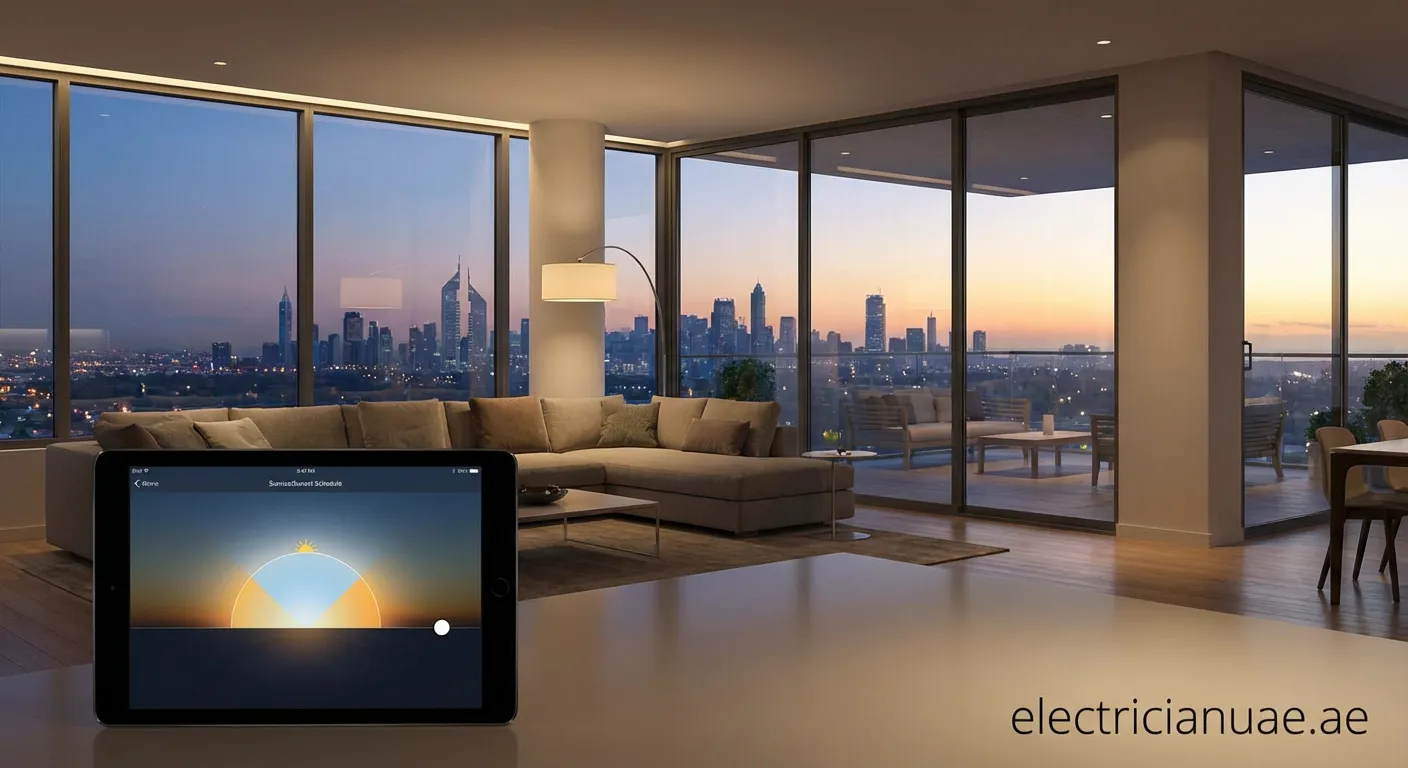
Imagine your home adjusting itself to the natural world. Smart Lighting Automation based on Sunrise/Sunset enhances comfort, security, and energy efficiency effortlessly.
Creating a truly intelligent home goes beyond voice commands; it involves synchronizing your environment with the natural world. Smart Lighting Automation based on Sunrise/Sunset is one of the most practical and impactful upgrades you can make to your smart home ecosystem. It seamlessly blends technology with nature, offering benefits ranging from improved sleep cycles to enhanced security.
Why Sync Lights with the Sun?
There are compelling reasons to adopt solar-based schedules rather than fixed time schedules (e.g., "turn on at 6:00 PM").
- Circadian Rhythm Support: Our bodies are biologically wired to respond to light. As the sun sets, reducing blue light and dimming brightness helps prepare the body for sleep.
- Seasonal Adaptation: Sunset at 5:00 PM in winter is very different from 9:00 PM in summer. Smart Lighting Automation based on Sunrise/Sunset adjusts dynamically every day, ensuring you are never left in the dark or wasting electricity while the sun is still up.
- Enhanced Security: A house that lights up exactly at dusk creates the appearance of occupancy, deterring potential intruders.
How Astronomical Timers Work
Unlike a standard photocell sensor that physically detects light levels, modern smart home hubs (like Google Home, Amazon Alexa, Apple HomeKit, or Home Assistant) use astronomical timers. By knowing your precise geolocation, the system calculates the exact moment the sun crosses the horizon in your area.
Key Terminology
- Civil Twilight: The period just after sunset when there is still some natural light.
- Offset: A delay or advance added to the schedule (e.g., "Turn on lights 30 minutes before sunset").
Setting Up Your Automation
To configure Smart Lighting Automation based on Sunrise/Sunset, follow these general steps applicable to most platforms:
- Define the Trigger: Select "Time of Day" or "Sun Position" in your app. Choose "Sunset" as the trigger event.
- Apply an Offset: Ideally, interior lights should turn on roughly 15–30 minutes before actual sunset to transition smoothly as natural light fades.
- Choose the Action: Select which lights to activate. For a natural feel, set them to a warm white color temperature (2700K) and 50-70% brightness.
- Set the "Sunrise" Routine: Conversely, have outdoor security lights turn off at sunrise, or have bedroom lights slowly fade in to wake you up naturally.
Advanced Scenarios
Once you have the basics down, you can layer conditions to make the system smarter:
- Presence Detection: Only run the Smart Lighting Automation based on Sunrise/Sunset routine if someone is actually home to save energy.
- Dynamic Color Shift: Use smart bulbs to shift from cool white (daytime) to warm amber (sunset) automatically. This is often called "Adaptive Lighting."
By leveraging these astronomical data points, your home stops being a static structure and becomes a responsive environment that caters to your biological needs and security requirements.
Embrace Solar Automation
Implementing Smart Lighting Automation based on Sunrise/Sunset transforms your daily routine. If electrical faults disrupt your new smart setup, we have a service in The Thanyah 4 to help. Check our Power-tripping-fix The Thanyah 4 for reliable solutions.
 smart home, lighting automation, energy saving, iot
