


 Smart Home Technology
Smart Home Gaming Mode: Complete Setup Guide for Gamers
 Alex Thompson
 Mar 08, 2026
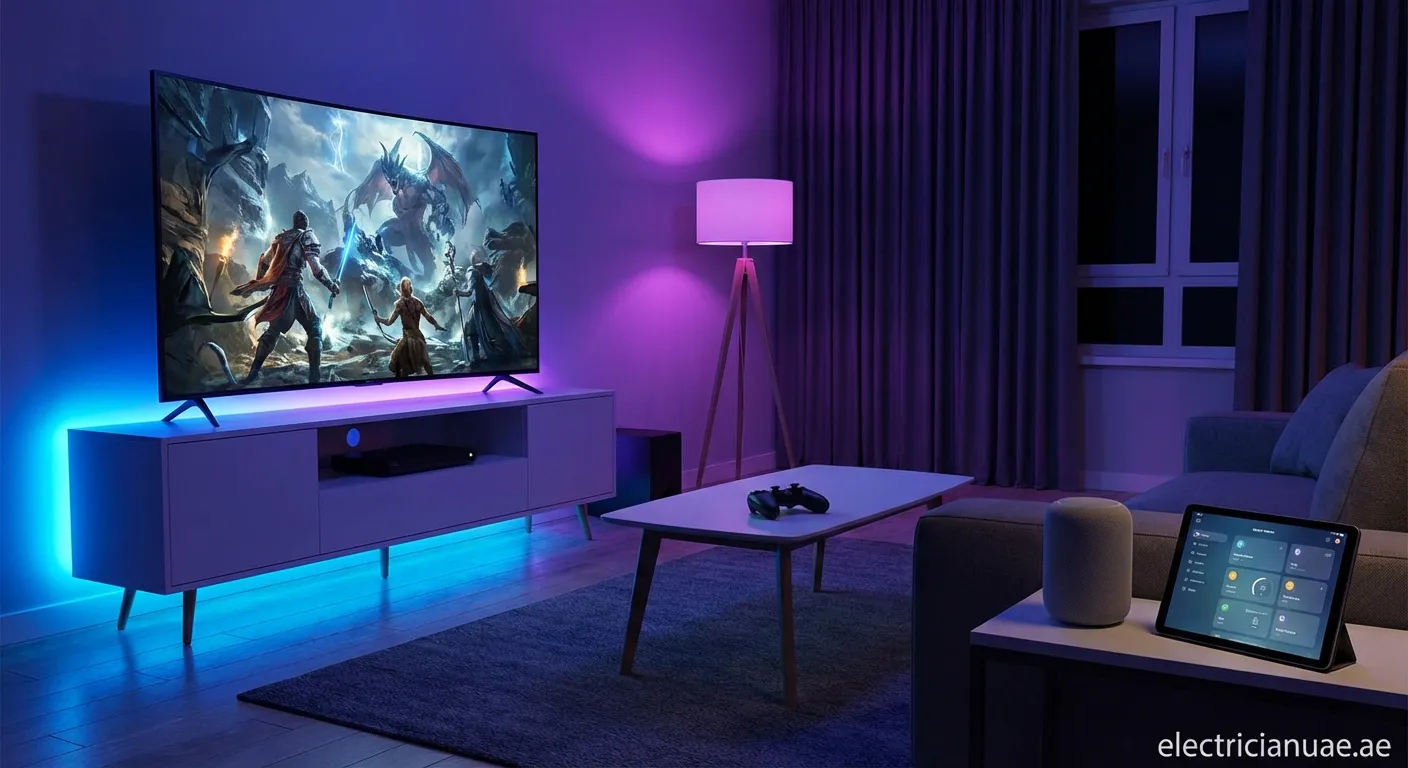
Discover how Smart Home Gaming Mode transforms your gaming experience. Integrate automated lighting, sound, and atmosphere controls to create the perfect gaming environment that responds to your gameplay.
What is Smart Home Gaming Mode?
Smart Home Gaming Mode is an automated system configuration that optimizes your home environment specifically for gaming sessions. It synchronizes lighting, audio systems, climate control, and even window shades to create an immersive atmosphere that enhances your gameplay experience.
Key Components of Gaming Mode
A well-designed gaming mode integrates several smart home elements:
- Dynamic RGB lighting that reacts to in-game events
- Automated blinds to eliminate glare on screens
- Surround sound calibration for directional audio
- Climate optimization to maintain comfortable temperatures
- Voice-activated controls for hands-free adjustments
Setting Up Your Smart Home Gaming Mode
Step 1: Choose Compatible Hardware
Start with a central hub like Philips Hue, Razer Chroma, or Corsair iCUE that supports gaming integrations. These platforms connect with popular games and automatically adjust your room's lighting based on gameplay.
Pro tip: Look for systems with API access for custom automation scripts and advanced integration possibilities.
Step 2: Configure Lighting Zones
Smart home gaming setup requires strategic lighting placement:
- Ambient backlighting behind your monitor reduces eye strain
- Floor lamps with color-changing bulbs set the mood
- LED strips around your desk create immersive color effects
- Ceiling lights dim automatically when gaming mode activates
Step 3: Integrate Audio Systems
Connect your smart speakers or soundbar to the gaming mode routine. Configure automatic volume levels, equalizer presets, and even activate specific sound profiles for different game genres.
Step 4: Climate and Environment Control
Program smart thermostats to maintain optimal gaming temperatures. Set smart plugs to power cooling fans or gaming peripherals only when needed, saving energy while ensuring peak performance.
Advanced Automation Features
Game-Specific Profiles
Create unique Smart Home Gaming Mode profiles for different games:
- FPS games: Red accent lighting, enhanced directional audio
- RPGs: Warm ambient tones, cinematic sound settings
- Racing games: Dynamic color shifts based on speed, bass-heavy audio
- Horror games: Dim lighting, eerie color temperatures
Voice Commands and Shortcuts
Set up voice commands through Alexa, Google Assistant, or Siri:
- "Activate gaming mode" - Launches your full gaming setup
- "Pause game" - Pauses in-game action and raises lights
- "End session" - Returns home to normal settings
Benefits of Gaming Mode Automation
Implementing Smart Home Gaming Mode offers numerous advantages:
- Enhanced immersion through synchronized lighting and sound
- Reduced eye strain with optimized ambient lighting
- Energy efficiency by powering devices only during sessions
- Convenience of one-command environment setup
- Customizable atmosphere for every gaming genre
Popular Integration Platforms
Several platforms excel at smart home gaming automation:
- Razer Synapse: Direct game integration with Chroma lighting
- Matter and Thread: Universal smart home protocols
- Home Assistant: Open-source automation for advanced users
- IFTTT: Simple trigger-based automations
Level Up Your Gaming Experience
Implementing Smart Home Gaming Mode transforms ordinary gaming sessions into immersive experiences. Start with basic lighting automation and gradually expand your setup. For professional installation and expert guidance, explore our Lighting-installation service in Bahya to create the ultimate gaming atmosphere.
 gaming, smart home, automation, RGB lighting, home theater, gaming setup
