


 Woodworking Safety
Why Your Router Table Trips: Common Causes and Fixes
 Mark Johnson
 Jan 21, 2026
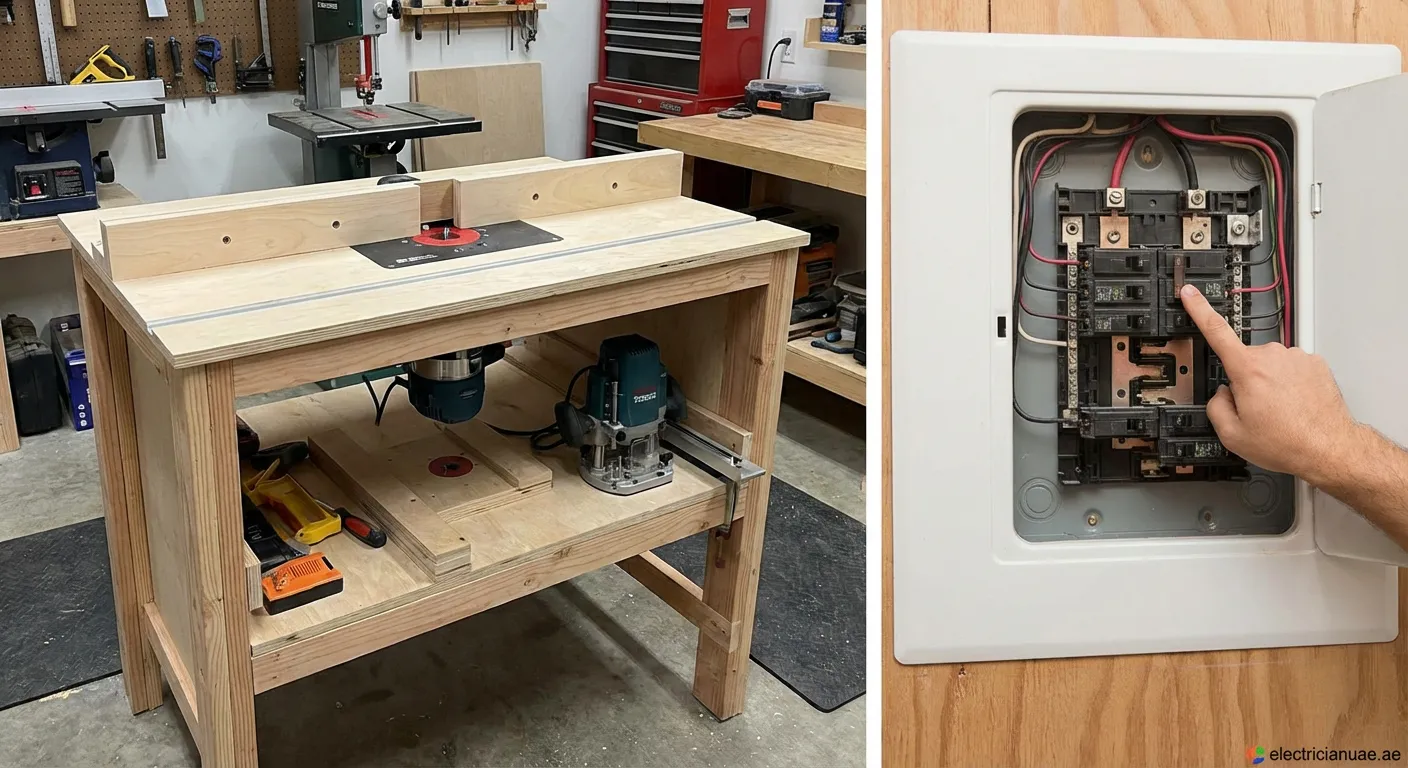
Frustrated when your woodworking workflow stops dead? If your router table trips the breaker constantly, it's a safety signal you can't ignore. Learn the main causes to fix it fast and safely.
Every woodworker knows the frustration: you are in the middle of a complex cut, and suddenly, silence. The power is out. Understanding Why Your Router Table Trips the circuit breaker is the first step to reclaiming your productivity and ensuring safety in the workshop. This issue is not just an annoyance; it is a signal that something is wrong with your electrical setup or the tool itself.
1. Circuit Overload: The Most Common Culprit
The most frequent reason Why Your Router Table Trips is simply that you are asking too much of your electrical circuit. Routers, especially those mounted in tables, are powerful tools often rated between 12 and 15 amps.
- Startup Surge: When you switch on a router, it draws a massive spike of current to get the heavy motor spinning. This "inrush current" can momentarily exceed the breaker's rating.
- Shared Circuits: If your shop lights, dust collector, and shop vac are on the same circuit as the router, the combined load will inevitably pop the breaker.
2. Inadequate Extension Cords
Using the wrong extension cord is a silent killer for power tools. If you use a cord that is too long or has a gauge that is too thin (high AWG number), voltage drops significantly over the distance.
This voltage drop forces the router motor to draw more amps to maintain power, causing it to overheat and trip the breaker. To prevent this scenario explaining Why Your Router Table Trips, always use a heavy-duty, short extension cord rated for your tool’s amperage.
3. Dust Buildup and Maintenance
Woodworking generates fine dust that permeates everything. If you neglect maintenance, sawdust can accumulate inside the router's motor housing.
- Insulation: Dust acts as a thermal insulator, causing the motor to run hotter than designed.
- Short Circuits: Carbon dust from motor brushes mixed with sawdust can create conductive paths, leading to internal shorts.
Regularly blowing out your router motor with compressed air can solve the mystery of Why Your Router Table Trips.
4. Worn Motor Brushes
Universal motors found in routers use carbon brushes to conduct electricity to the spinning armature. Over time, these brushes wear down. If they become too short or the springs lose tension, they can arc and spark excessively. This arcing creates erratic current draw, which sensitive circuit breakers may interpret as a fault, cutting the power.
5. GFCI Sensitivity
Many workshops are equipped with Ground Fault Circuit Interrupters (GFCI) outlets for safety. However, older or highly sensitive GFCIs can be nuisance-tripped by the electromagnetic interference (EMI) generated by large brushed motors. If your router is in good condition but still trips a GFCI, looking into Why Your Router Table Trips might lead you to replace the outlet with a newer, motor-rated unit.
Troubleshooting Checklist
If you are struggling to pinpoint the issue, follow these steps:
- Isolate the Tool: Plug the router into a different circuit without extension cords.
- Check the Brushes: Inspect and replace worn carbon brushes.
- Clean the Motor: Remove all sawdust buildup.
- Monitor the Load: Turn off other high-draw appliances like dust collectors before starting the router.
By methodically checking these areas, you can stop guessing Why Your Router Table Trips and get back to making sawdust safely.
Solving Electrical Router Issues
Regular maintenance prevents most electrical faults. If issues persist, check your wiring or consult a pro. We also offer a service in Al Faseel, check our Light-fixing Al Faseel for expert help with local electrical repairs.
 router table, circuit breaker, electrical safety, woodworking tools, DIY repair
